
 Sign in to MyAccount
Manage Team in cPanel
Using Manage Team
The Manage Team feature in cPanel allows you to create separate user logins for additional users under the same cPanel account. This is useful when trusted team members need access to specific tools or services without sharing the main cPanel login details.
Each team user can sign in with their own credentials and will only have access to the areas and services you assign to them.
Important: Manage Team is designed for technical or administrative use. Some permissions can provide account-level access, so you should only grant access to users you trust.
For detailed information about roles, permissions, services, and security settings, see the official cPanel documentation:
Manage Team – Create a Team User
How to Create a Team User
Log in to your cPanel. If you need help, follow our guide How to log into your cPanel.
Once you have logged in, go to:
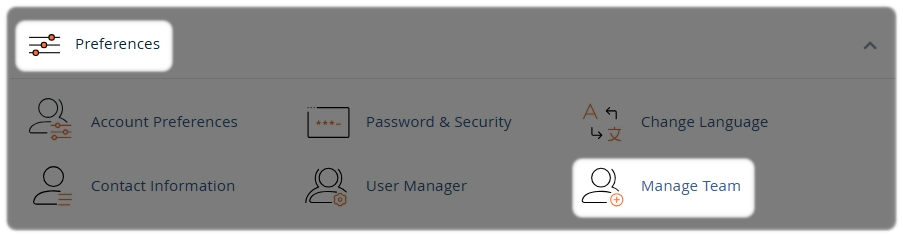
- In the Preferences section, select Manage Team
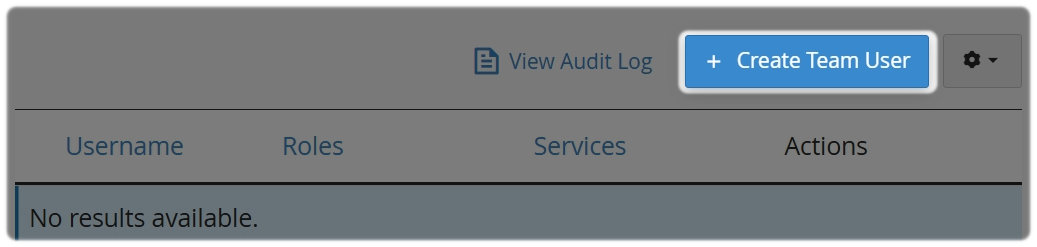
- Select Create Team User
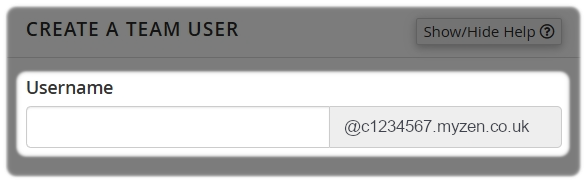
- Enter a username for the new user
cPanel will automatically prepend this to your account's primary domain name
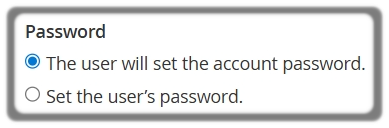
Choose how the password will be set:
- Send the user an email invitation to create their own password, or set a password manually
- Enter the user’s contact email address

Optional:
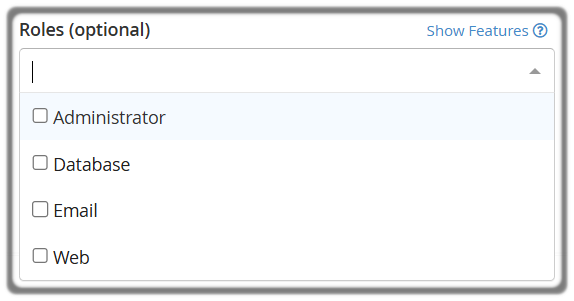
Choose a Role if you want to assign predefined permissions.
If no role is assigned, the user will only be able to manage their own account preferences.
If you assign a role, read and accept the security warning.
There are 4 roles to choose from, these are: Administrator, Database, Email and Web.
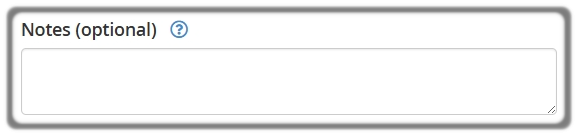
- Add notes for the user
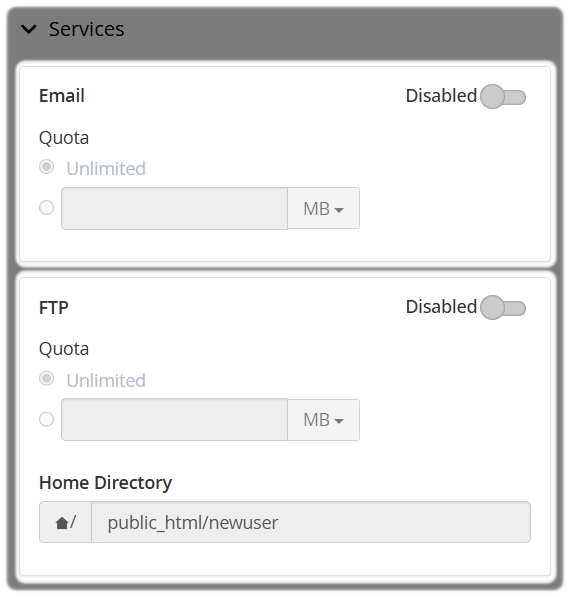
Services:
- If applicable, you can toggle to Enable specific services such as Email or FTP
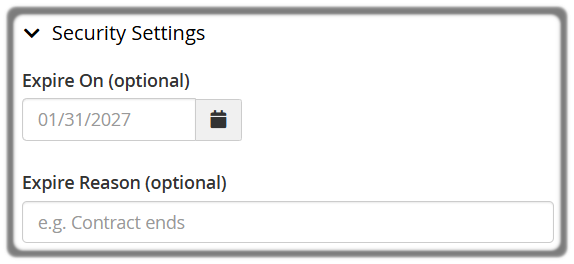
If required, you can set an expiration date under Security Settings to automatically suspend access at a later date.
- Select Create

cPanel will send an activation email to the new team user.
Security and Access Considerations
Before creating team users, make sure access is only provided to people who genuinely require it.
Depending on the permissions and services enabled, team users may be able to:
- Access or manage email accounts
- Modify website files
- Manage databases
- Change account or hosting settings
If you are unsure which permissions to assign, consult your IT administrator or system administrator before granting access.
Need Help?
Feel free to contact our Web Hosting team.