
 Sign in to MyAccount
Creating a cPanel Account
Create a cPanel account in WHM
Please note: this guide is for Zen cPanel Resellers only. It does not apply to cPanel Bronze, Silver or Gold customers.
WHM (Web Host Manager) allows you to create and manage cPanel accounts for your hosting customers, websites, or projects. If you have access to WHM, setting up a new cPanel account only takes a few steps.
1. Log in to WHM
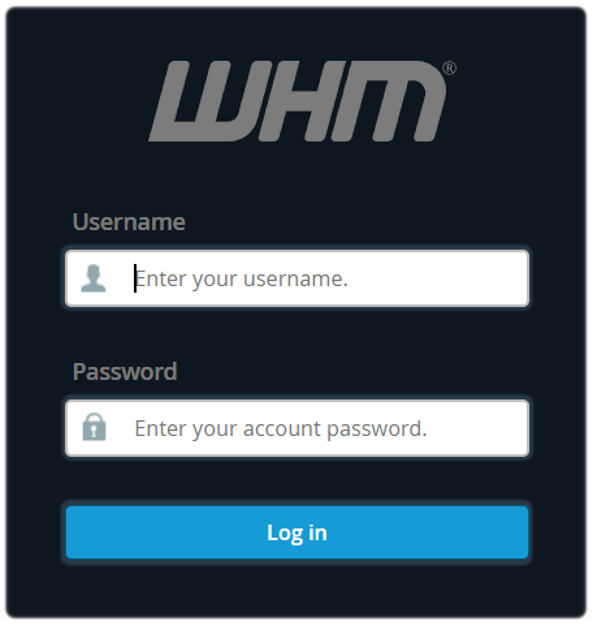
First, open your WHM login page and sign in using your login details. If you need help getting started, see: Accessing cPanel WHM (Web Host Manager).
2. Create a New Account
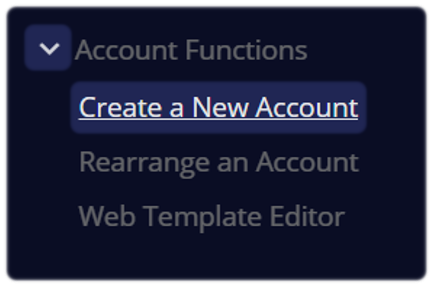
Once you're logged in, use the search bar located at the top left corner and type Create a New Account
- Select the option when it appears
3. Enter the Domain Information
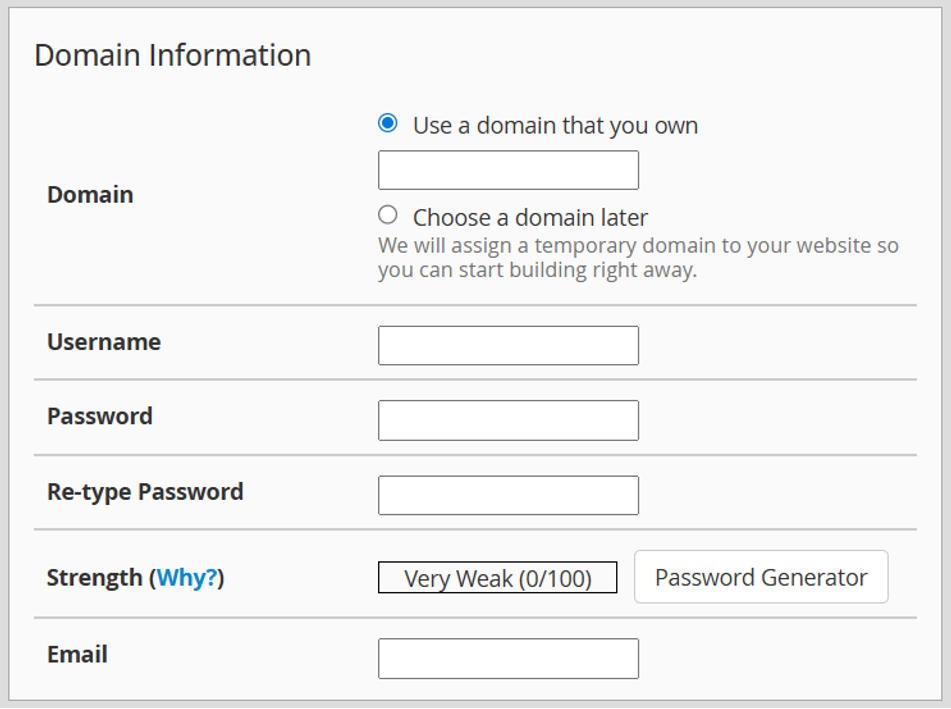
On the account creation page, enter the main details for the new account. This includes:
- Domain - the domain name for the account
- Username - a username for the cPanel account
- Password - create a strong password or use the Password Generator
- Email - the contact email address for the account
4. Choose a Package
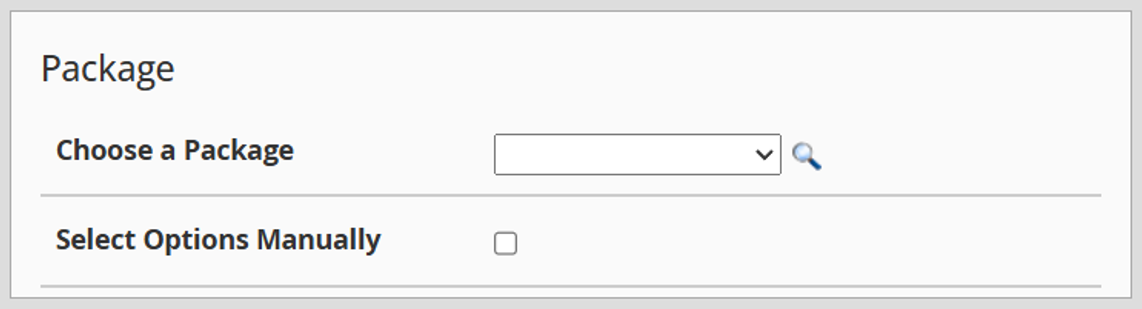
Select the hosting package from the drop-down menu that you want to assign to the account. For more information, see: Building a cPanel Package WHM (Web Host Manager).
If needed, you can also set these resource limits manually on the same page.
Packages control limits such as:
- Disk space
- Bandwidth
- email accounts
- databases
5. Review the Settings and Create the Account
Before creating the account, make sure the following details are correct:
- domain name
- username
- password
- package
You can also review any optional settings further down the page.
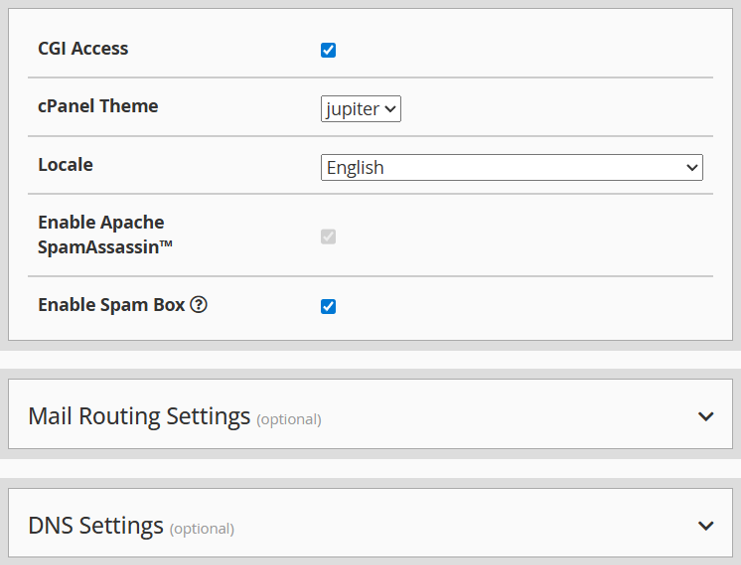
When you're happy with the settings, select Create at the bottom of the page.

WHM will then set up the new cPanel account.
6. Confirm Account was Created
Once the account has been created, WHM will display a success message.
You can log in to the new cPanel account using the username and password you created earlier.
Creating a cPanel account in WHM is a quick process. Once you've opened the account creation page, entered the account details, and selected a package, you can create the account in just a few minutes.
Still Need a Hand?
Feel free to contact our Web Hosting team.