
 Sign in to MyAccount
How to Log Into Your WHM cPanel
Accessing cPanel WHM (Web Host Manager)
Please note: this guide is for Zen cPanel Resellers only. It does not apply to cPanel Bronze, Silver or Gold customers.
- If you are a cPanel Bronze, Silver, or Gold customer, or you do not know your login credentials and URL, a guide for this can be found here: How to log into your cPanel
Accessing WHM directly
The quickest way to access WHM is by using your unique WHM URL. This may vary depending on your setup, but it will usually look something like this:
https://c123456.myzen.co.uk/whm
When you visit this address, you’ll see a login page. Be sure to use your WHM login details found within the customer portal rather than your email address.
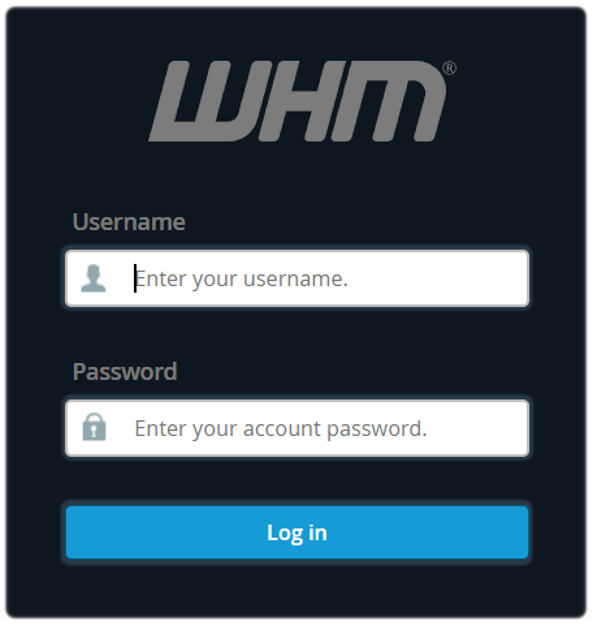
- Enter your Username and Password
- Then select Log in to access your WHM cPanel account
Note: For quick access in the future, why not save your WHM URL to your web browser.
For security, we recommend not searching for your WHM login page through Google or other search engines, as this could take you to the wrong website.
Remember, if you’re not sure what your WHM URL is, you can find it in your customer portal here: How to log into your cPanel
What is WHM?
WHM (Web Host Manager) is the interface Resellers use to manage their hosting server and multiple cPanel accounts.
With WHM, you can:
- Create and manage cPanel accounts
- Set up hosting packages
- Monitor server activity
- manage security and server settings
Put simply, WHM manages the server, while cPanel manages individual websites and email accounts.
Still Need a Hand?
If encountering problems logging in to your WHM cPanel, feel free to contact our Web Hosting team.