
 Sign in to MyAccount
Accessing your cPanel Webmail
Before You Begin
Here are two terms you’ll see in this guide:
Mailbox Creation
This means setting up a new email address on your hosting plan, such as:
- name@yourdomain.co.uk.
If you need to create an email account, you can follow the steps in our mailbox setup guide.
Webmail
Webmail lets you read and send emails directly from your internet browser.
There’s no need to install an email app like Outlook, Apple Mail, or anything else.
If your email address and password are already set up, you can access your mailbox at any time through Webmail or cPanel.
1. Accessing Webmail Directly
The fastest way to open your mailbox is through your Webmail URL. It will look similar to this:
- https://c123456.myzen.co.uk/webmail
When you visit your Webmail URL, you’ll be taken to a login page where you can enter your email address and password.
Tip: Avoid searching for your Webmail URL on Google or other search engines—you may end up on the wrong page.
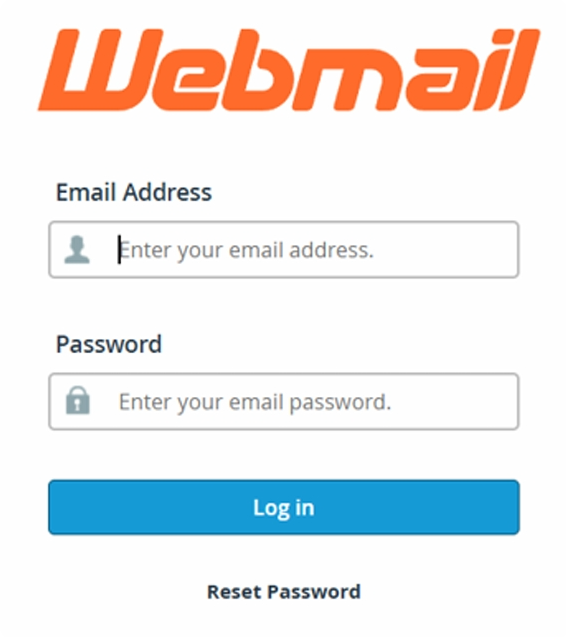
If you’re unsure what your specific Webmail link is, you can find it in your customer portal. We have a guide that shows you exactly where to look How to log into your cPanel.
2. Accessing Webmail through cPanel
- Log in to your cPanel, If you are unsure how, this guide will show you How to log into your cPanel
In the Email section
- Select Email Accounts
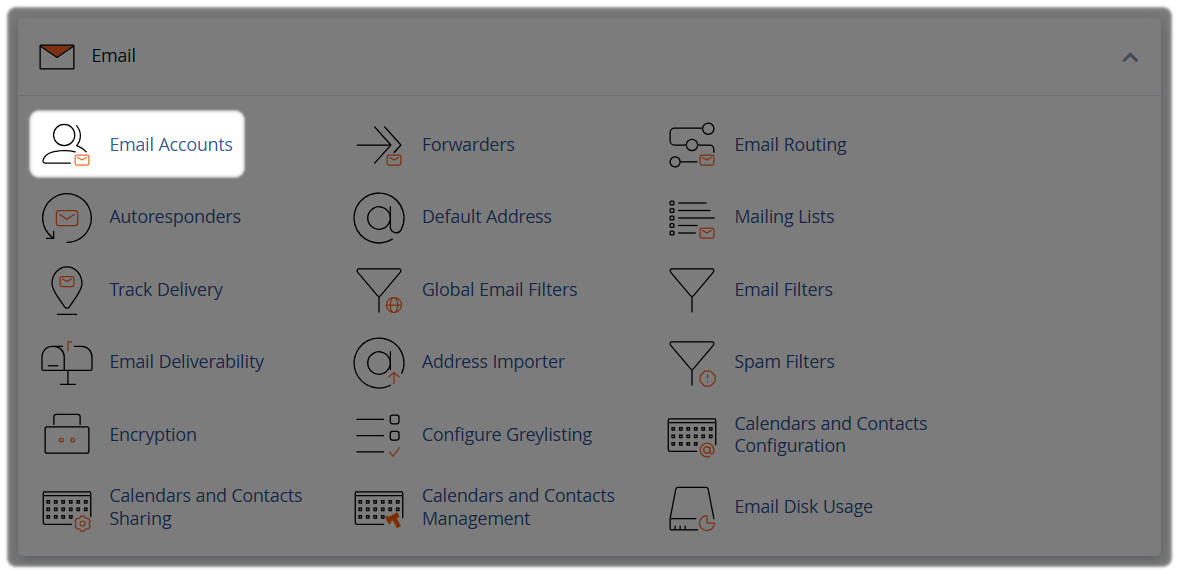
Find the mailbox you want to access
- Select Check Email

3. Using Roundcube
On the next page that appears:
- Select the Roundcube icon or choose Open
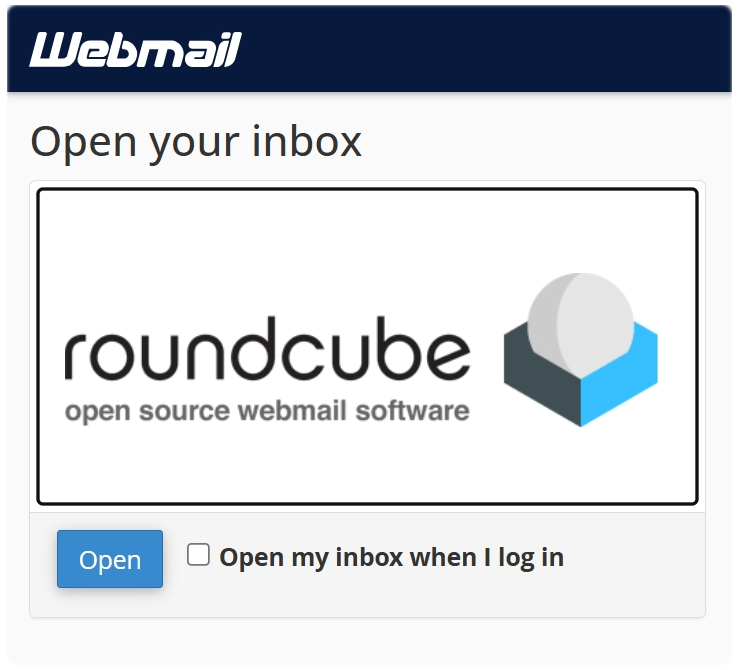
Roundcube is the default Webmail app in cPanel. It gives you everything you need to manage your email directly in your browser, including:
- Inbox, sent items, drafts, and folders
- Contact management
- Search tools
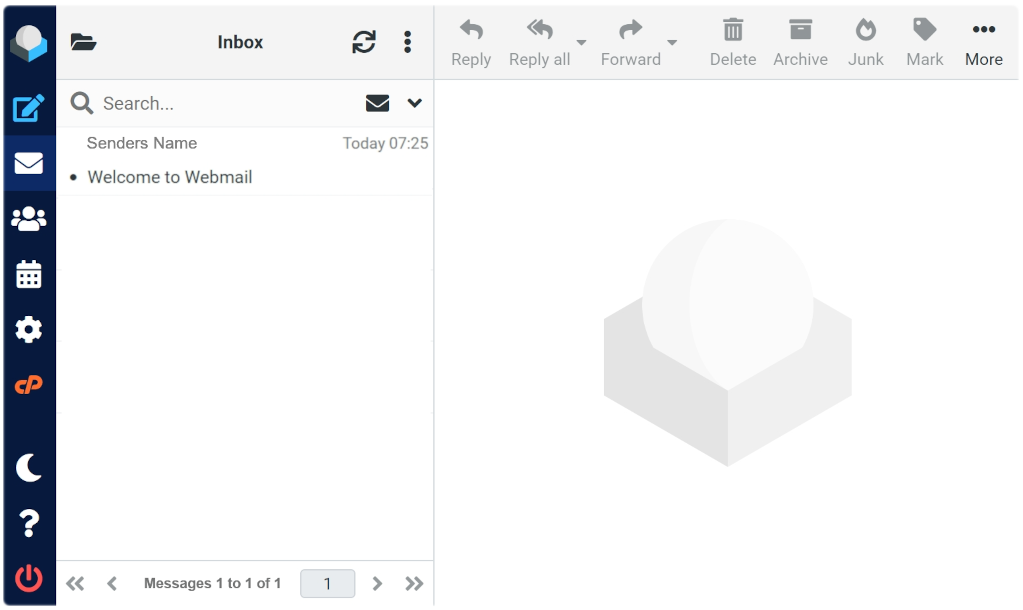
It’s a reliable way to use email without installing any extra software.
4. Things to Know
- Always use your full email address as your username when logging in
- Use your mailbox password, not your customer portal password, unless they happen to be the same (Not recommended)
- If you don't see your mailbox listed in cPanel, it might not be created yet
- If you can log into Webmail but not your email app, the problem is usually with the appʼs settings, not your mailbox
- If you're not sure whether you need a new mailbox or just Webmail access, first check if the email address is already in Email Accounts