
 Sign in to MyAccount
WHM: Checking Reseller Usage
Reseller Usage?
Please note: this guide is for Zen cPanel Resellers only. It does not apply to cPanel Bronze, Silver or Gold customers.
WHM makes it easy to check how your reseller account is being used without signing in to each cPanel account. You can review:
- Overall disk usage
- Disk usage for each account
- Bandwidth usage
This guide covers the main places to find that information in WHM, so that you can keep track of your cPanel accounts more easily. It provides a starting point rather than covering every option in detail.
1. Log in to WHM
First, log in to Web Host Manager (WHM). If you need any guidance, follow our guide: Accessing cPanel WHM (Web Host Manager).
2. Check Overall Disk Usage
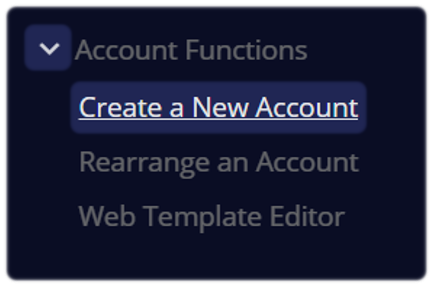
If you have reseller access to WHM, you can view your overall disk usage from the Account Functions area.
- Use the search bar at the top left and search for Create a New Account
Look for your Disk Usage limit and current usage
- If there’s an issue, it will usually be highlighted in red
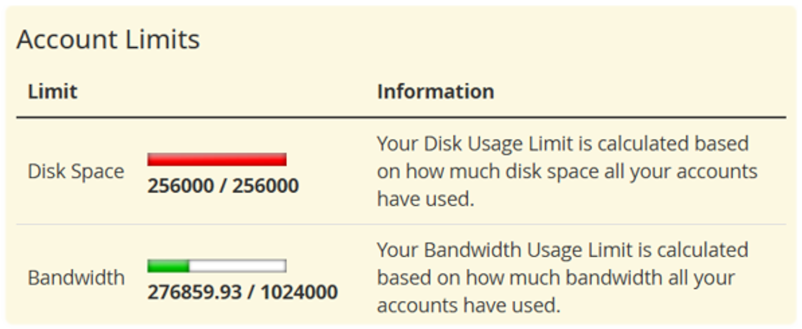
You can also view your overall bandwidth usage here, although the full account-by-account breakdown is available in a separate section of this article below.
3. Account Disk Usage
You can also see how much disk space each cPanel account is using.
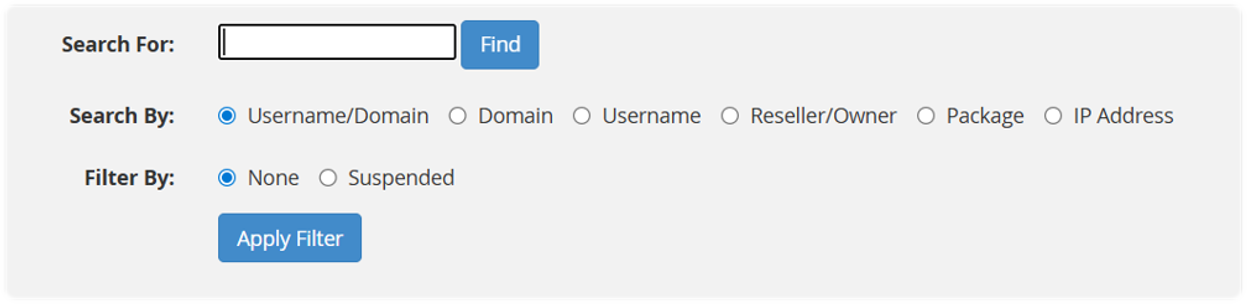
In WHM, go to List Accounts
- You may find this under Favorites on the home screen, or you can search for it using the search bar as before

- Search for a specific account if needed, or review the full list of accounts
Each cPanel account will show:
- Its assigned Quota
- How much Disk Used it currently has
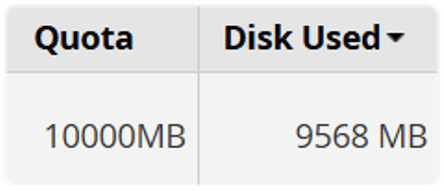
This is a quick way to identify which accounts are using the Quota and Disk Used.
4. Check Bandwidth Usage
WHM also lets you view bandwidth usage across all of your reseller accounts. This includes usage from services such as HTTP, FTP, SMTP, and POP3/IMAP.
In WHM, go to Account Information - View Bandwidth Usage
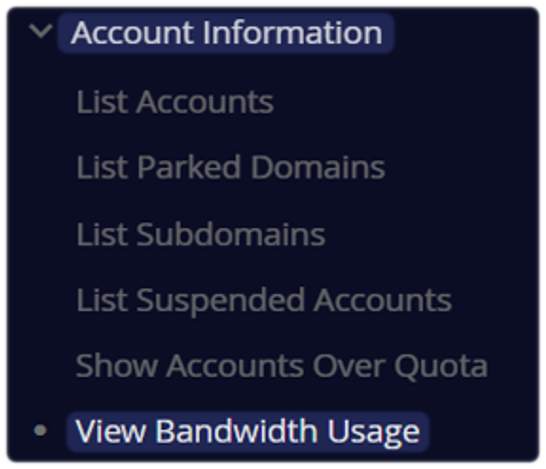
Review the summary table, which is organised by month. The main columns are:
- User - Domain - Xfer - Limit - Usage
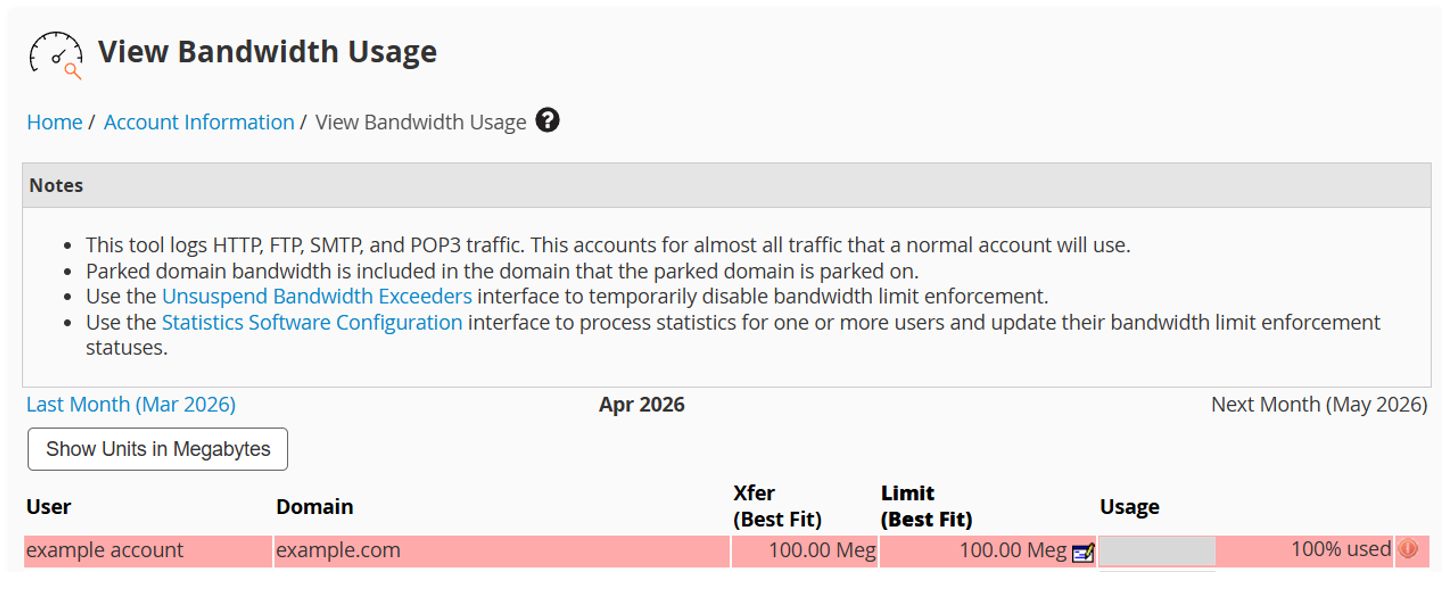
To view a different month, use the links at the top of the page:
To change how values are displayed:
- Select Show Units in Megabytes to show usage in MB
- Select Show Units with Best Fit to switch back
- You can also set MB as the default in WHM Tweak Settings
You can sort the table by clicking any column heading. Click the same heading again to reverse the order.
If needed, you can also use the Edit icon to the right of this page to update an account’s bandwidth limit.
Things to keep in mind
- WHM gives you a high-level overview of reseller usage
- If you need more detailed information, you may need to log in to the individual cPanel account
- WHM also includes tools to help manage and enforce limits for things like disk usage and bandwidth
For more advanced options, you can refer to the official WHM documentation on the cPanel website.
Still Need a Hand?
Feel free to contact our Web Hosting team.