
 Sign in to MyAccount
Running a Service Test
For Home
1. Logging into your Portal
- Go to the "My Account" section of the Zen website and enter your username or password
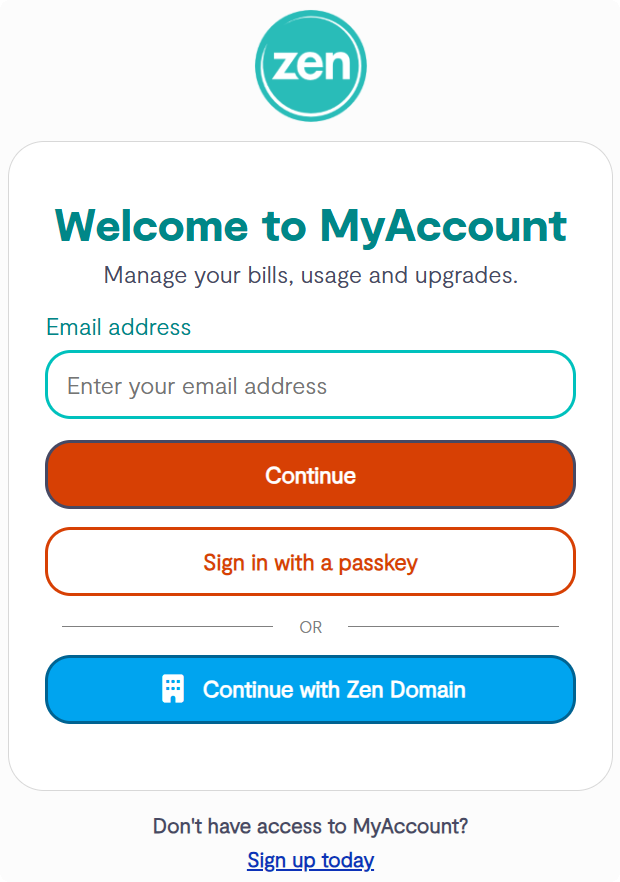
- Note - If you are not signed up for the portal select the "Sign up today" option
2. Finding the Service Test
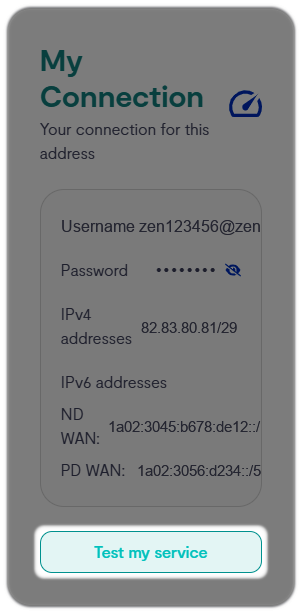
- From the Home page go to the "Service Status" tile and select "Test my Service"
- You can start a service test by selecting the 'Begin Test' button; this will check for any faults on the service
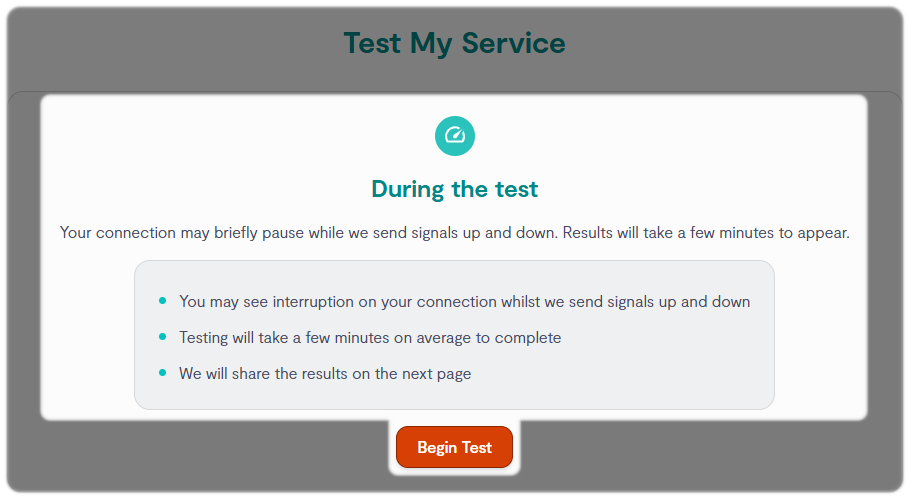
Note: Previous line test results are listed under the 'Test History' section lower down the page, with the option to 'View Results'
3. Running a Service Test
- After selecting "Begin Test" a progress wheel may show for some time, please do not refresh the page during this time
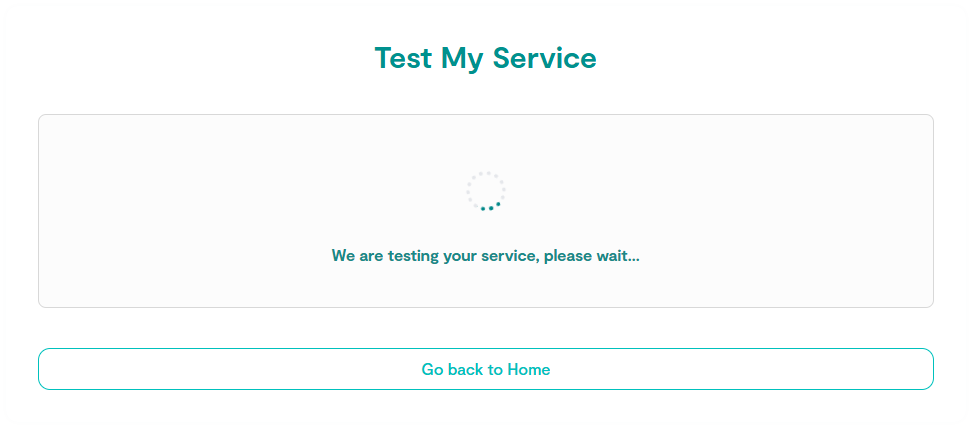
- When the test results come through, you'll be given your line status and information
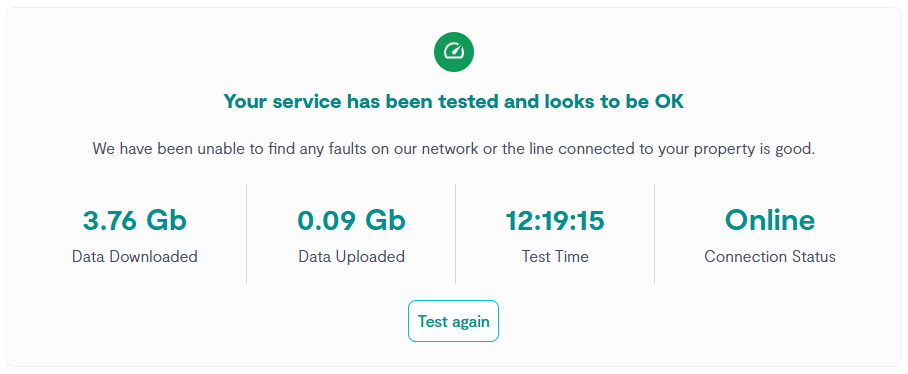
- If you still are having issues, we recommend turning your router off for 30 seconds and try re-running the test
×



Did you know you can perform service diagnostics on our app?