
 Sign in to MyAccount
Changing Domain Nameservers
For Business
Changing Nameservers for a Domain
Changing your domain’s nameservers tells the internet where your domain’s settings are managed. You can update these settings yourself, so nameserver changes are something you make directly, rather than something Zen updates for you.
Before you begin:
Before making any changes, it’s important to speak to whoever looks after your website and email or your IT team. Changing nameservers can affect:
- Website availability
- Email delivery
- Other services linked to your domain
DNS changes can also take time to fully update across the internet, so the effects may not be immediate.
How nameservers work:
A simple way to think about this is:
- If your nameservers point to Zen, the DNS records shown in Zen are the ones actively being used
- If your nameservers do not point to Zen, the DNS records listed in Zen are not live
Because of this, it’s important to pause and double‑check before making any changes.
Do you really need to change nameservers?
Some website hosts or email providers require certain DNS records to be added. In many cases, you only need to update or add those records—there’s no need to move all DNS management away from Zen.
If you’re unsure what’s required, check with your IT contact or your domain provider to confirm exactly what they need.
Quick check
As a general rule:
- If the nameservers include zen.co.uk, your domain’s DNS is being managed by Zen
- If they don’t, your domain is using another DNS provider—perhaps a previous provider or a different hosting company
Always make sure you understand the impact before changing your nameservers.
1. Logging into your Portal
- Go to the " My Account" section of the Zen website and enter your username or password
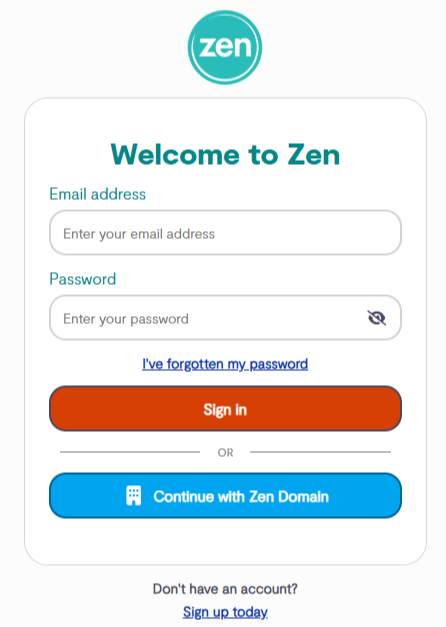
Note - If you are not signed up for the portal click the button to "Sign Up for a Zen Account"
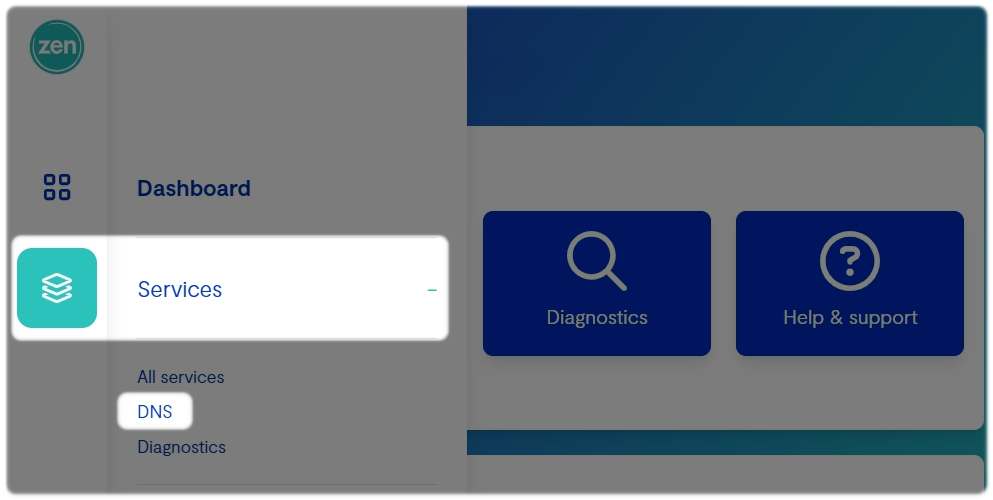
2. Finding DNS Tools
- Select Services from the side of the main Portal page
- Select DNS
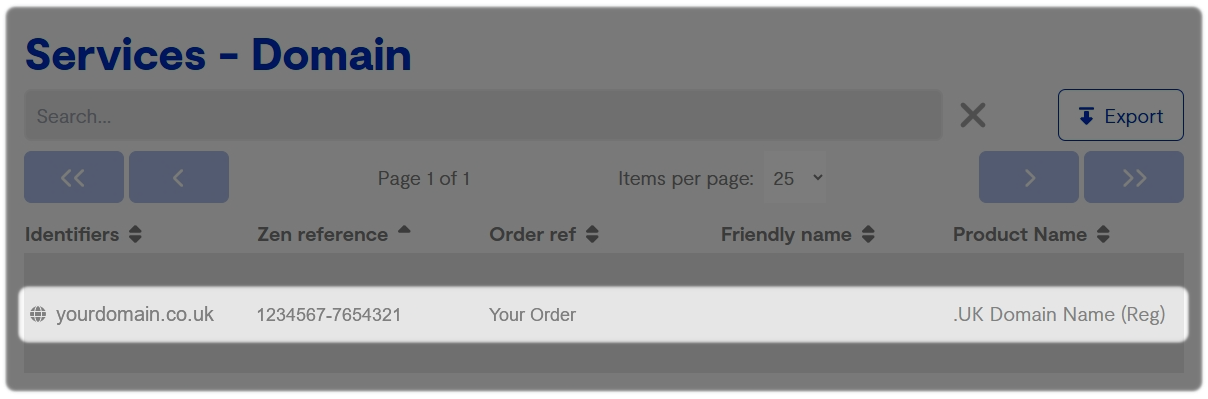
- Select the Domain name you wish to change
Within the service page:
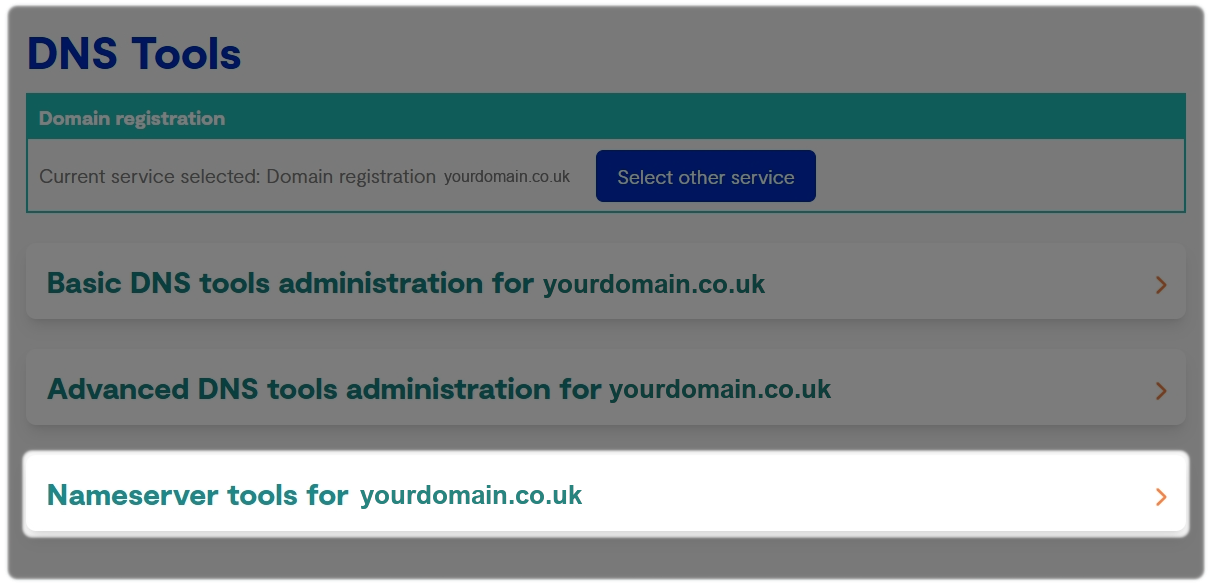
- Select DNS settings
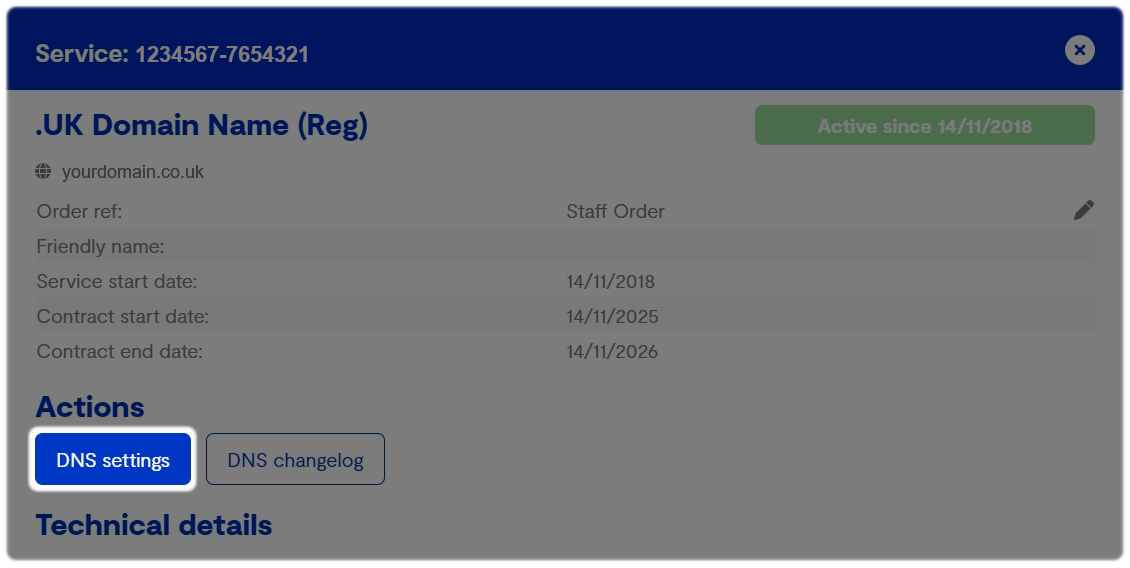
- Select Nameserver Tools
3. Enter the Nameservers you want to use
 Before you continue
Updating nameservers moves control of your domain’s DNS. This may impact your website, email, and other connected services.
If you’re unsure whether this change is needed, please speak to your IT contact or Domain provider before going ahead.
If you make any changes to your nameservers, please take a note of your current settings.
Please allow up to 48 hours for these changes to take effect.
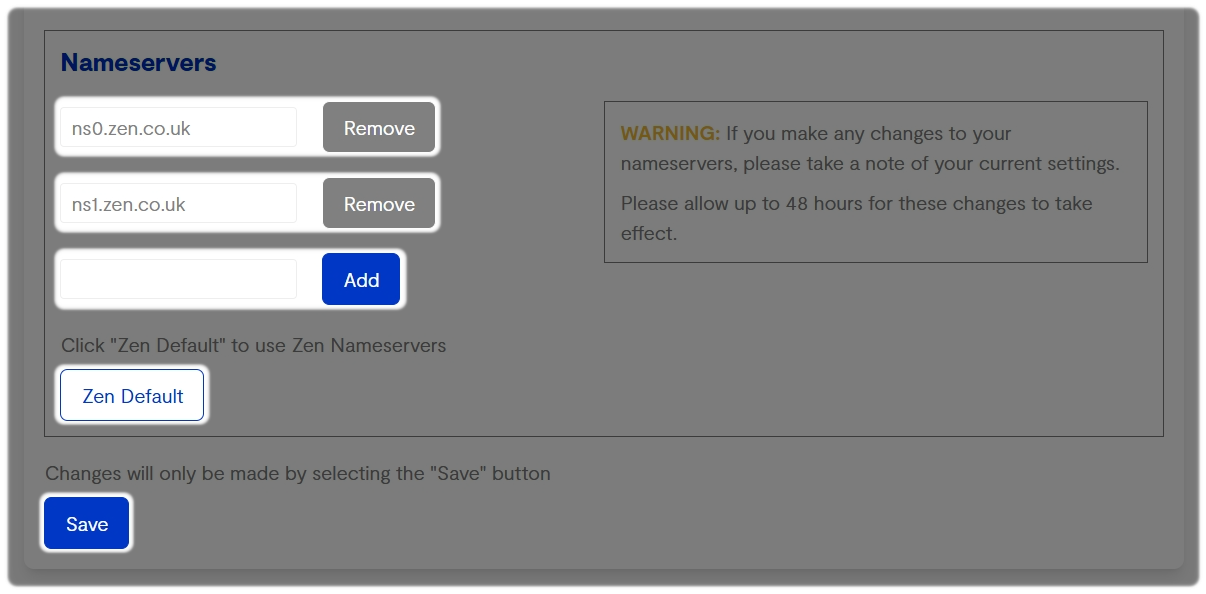
- Add the nameservers you want to keep and remove any you no longer need
- If you want Zen to manage your domain’s DNS, choose Zen Default. This will update the nameservers so that Zen controls your DNS settings
Take a moment to make sure the nameservers you enter are correct—using the wrong ones can affect your website, email, and other connected services.
Save the changes
Once you’re happy with the nameservers, click Save to apply the changes.
Because nameserver changes can quickly impact live services, it’s a good idea to double‑check with your IT team or domain provider if you’re unsure before saving
4. Things to Know
- If you want Zen to manage your DNS, your nameservers must point to Zen
- If you want another provider to manage your DNS, your nameservers need to point to that provider instead
Only change nameservers when it’s genuinely required. Changing them switches where your domain’s DNS is controlled, which can have wide‑reaching effects if done incorrectly.
Still Need a Hand?
If encountering problems entering any records, feel free to contact our Web Hosting team.